If you’re planning a new build and you’re even slightly into flashy hardware, the GameMax Glacier 360 LCD Liquid Cooler is hard to ignore. It’s big, it’s bold, and it leans heavily into that “this looks more expensive than it actually is” vibe. Triple 120mm fans, a full 360mm radiator, RGB everywhere, and the obvious talking point — a 2.1-inch IPS LCD screen sitting right on the pump.
That screen alone does a lot of the heavy lifting visually. It’s the kind of thing you notice instantly when you glance inside a case. But looks only get you so far. What really matters is whether it keeps temperatures under control, behaves itself under load, and doesn’t turn your room into a wind tunnel once things heat up.
This is a preview, not a full teardown, but there’s already enough real-world data out there to get a very clear idea of what the GameMax Glacier 360 LCD brings to the table.

Design & Build Quality – Better Than You’d Expect
GameMax has been playing this game for a while now. They’re very good at making budget hardware look premium, and the GameMax Glacier 360 LCD fits that pattern perfectly. The pump housing uses a clean matte black finish, wrapped neatly around that IPS display, and it doesn’t feel cheap in the hand.
The screen supports system stats, temperatures, animations, GIFs, logos — all the usual things people actually use these displays for. It’s not a gimmick slapped on as an afterthought. It feels like it belongs there.
The radiator itself is a fairly standard 27mm aluminium unit with dense fin spacing. Nothing exotic, but solid. Tubing is thick, nicely sleeved, and flexible enough that routing it doesn’t feel like a fight. It doesn’t kink easily, which is always something I look for on larger AIOs.
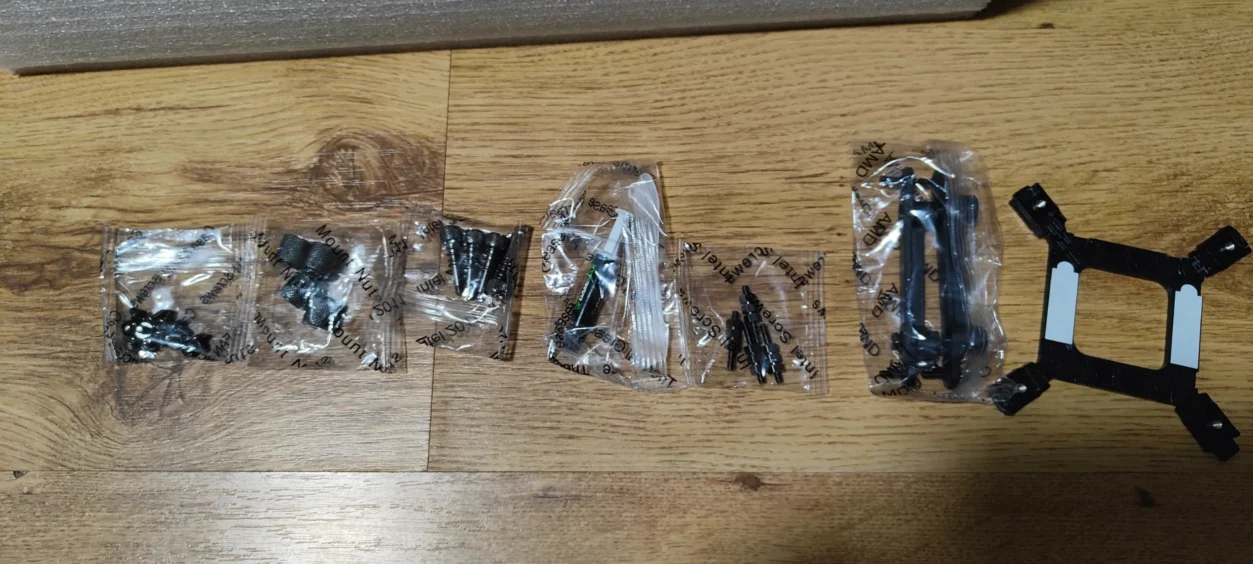
The included ARGB 120mm fans use fluid dynamic bearings, which should help with longevity. They also come pre-daisy-chained, and honestly, that alone saves a lot of frustration during a build. Less cable mess is always welcome.
Cooling Performance – Quietly Competitive
Based on third-party testing, as we are still waiting to build our new system, we had to ask someone else to test for us. The GameMax Glacier 360 LCD performs better than its price tag would suggest.
On modern 12- to 16-core CPUs — think Ryzen 7, Ryzen 9, or Intel Core i7/i9 — results generally land around:
- Idle: 26–30°C
- Gaming Load: 55–63°C
- Full Synthetic Load: 74–82°C
Those figures put it surprisingly close to mainstream mid-range 360mm AIOs from brands like DeepCool. That’s not something you’d automatically expect from a GameMax cooler, but here we are.
The pump runs roughly in the 2600–2800RPM range under load. Importantly, it doesn’t sound aggressive. No high-pitched whine, no mechanical grinding. You notice it’s working, but it never becomes distracting.
Fan Noise & Acoustics – Sensible, Not Showy
Noise levels are another area where the GameMax Glacier 360 LCD does better than expected.
- Idle / Low Load: 21–28 dBA
- Gaming Load: 30–37 dBA
- Full Load: 36–44 dBA
In normal use, especially while gaming, the GPU will almost always be louder than this cooler. At full tilt, you’ll hear airflow, sure — but it’s clean airflow. No rattles, no tonal spikes, nothing annoying.
For a budget-oriented 360mm AIO, that’s a win.
LCD Screen – The Main Attraction
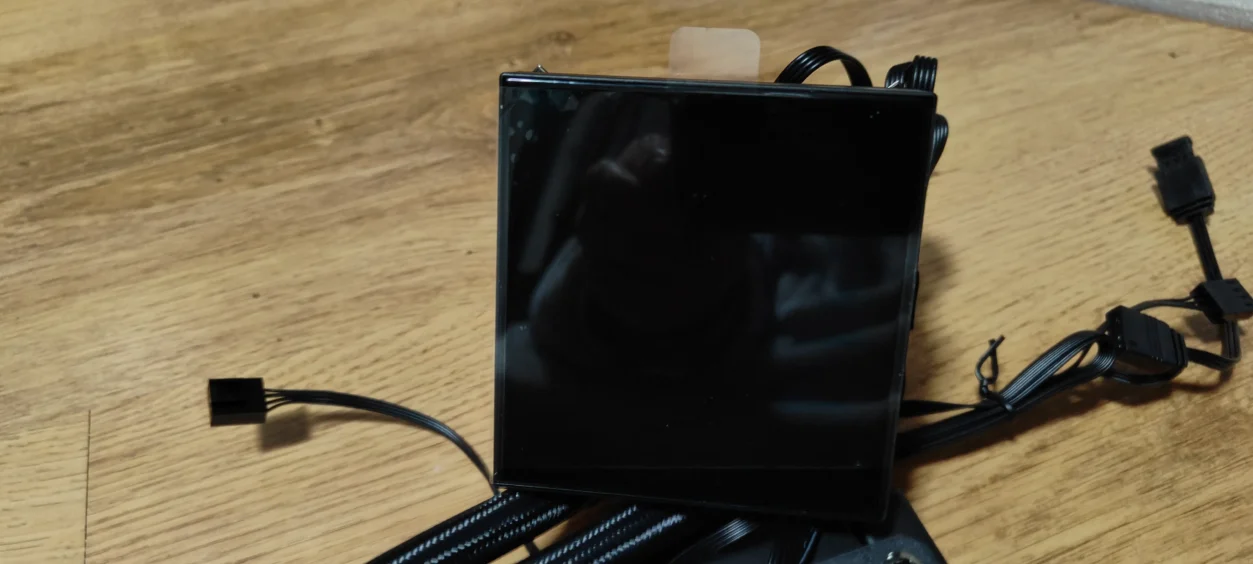
The 2.1-inch IPS display is, without question, the centrepiece here. It’s bright, sharp enough at normal viewing distance, and has good viewing angles. Animations look smooth, text is readable, and it doesn’t feel like a low-quality panel squeezed in to tick a box.
You can display:
- CPU and GPU temperatures
- Fan and pump speeds
- System animations
- Custom GIFs and images
- Preset themes from GameMax
If your build is going for visual impact, this cooler absolutely delivers. It’s the kind of feature people notice immediately.
Installation & Compatibility – Builder Friendly
Compatibility is solid out of the box. The GameMax Glacier 360 LCD supports:
- Intel LGA 1700 / 1200 / 115X
- AMD AM4 / AM5
The radiator follows standard 360mm sizing, but it’s still worth checking clearance in smaller mid-tower cases. The fans are slightly chunky thanks to the RGB frames.
Installation itself is refreshingly straightforward:
- Apply thermal paste
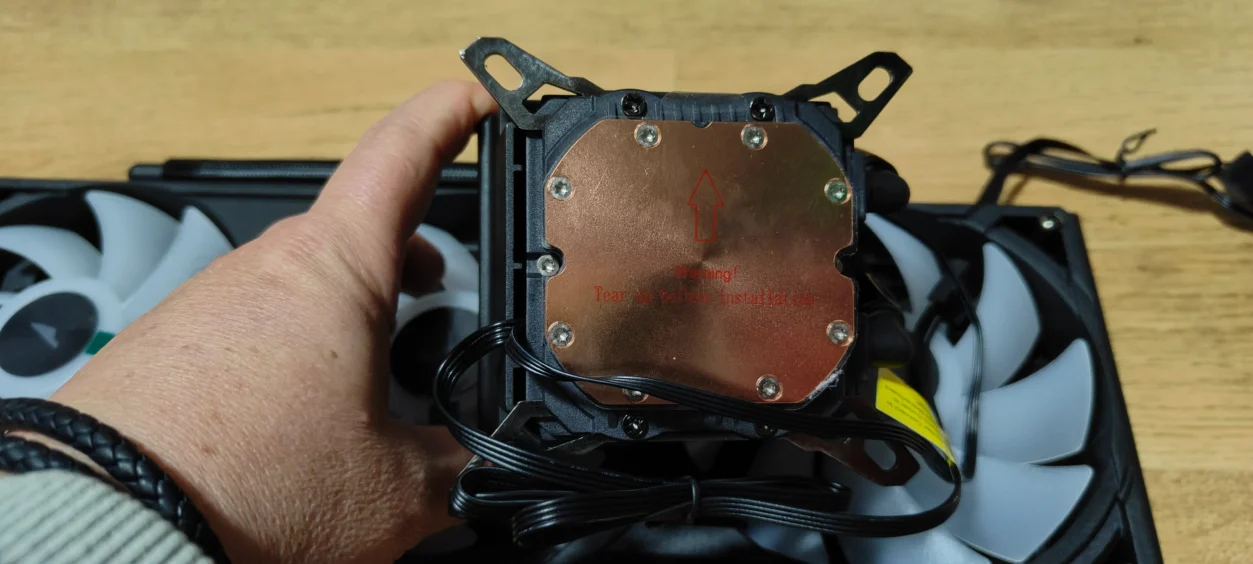
- Pre-installed pump brackets
- Daisy-chained fan cabling
- Included ARGB and PWM hub
Even if this is your first AIO build, nothing here should feel intimidating.
Value & Early Verdict
This is where GameMax tends to punch above its weight.
With the GameMax Glacier 360, you are getting a full 360mm AIO, triple ARGB fans, a genuinely usable LCD screen, respectable cooling performance, and noise levels that don’t punish you — all at a price that undercuts a lot of more established brands.
As a preview, the GameMax Glacier 360 LCD is shaping up very well. It looks great, performs better than expected, and avoids the usual budget pitfalls.
If you’re building a modern, visually driven gaming PC and want something that stands out without wrecking your budget, this cooler is absolutely one to keep an eye on.
GameMax Glacier 360 LCD
https://www.youtube.com/watch?v=HvR9wgIu21g
Read more awesome reviews >>here
The game was provided to us for the express purpose of reviewing.
The review was written by me and edited by my partner.